30 credits
Daily check-in reward
Sign in daily and claim credits for image tests.
GPT Image 2 AI
Generate visuals from text, edit uploaded photos with simple prompts, and create posters, product shots, and consistent character scenes in one place.
30 credits
Sign in daily and claim credits for image tests.
5 credits
Each generation or edit uses a small fixed credit cost.
6 free tries
Use daily credits before deciding if you need a plan.
Create with Gpt Image 2 AI
Text, reference images, edits, and video tools in one focused studio.
Generate high-quality images from text using Gpt Image 2, Gemini 2.5 Flash, or Alibaba Wan 2.5
Tip: Be detailed and specific for better results. Describe the subject, style, lighting, mood, and composition.
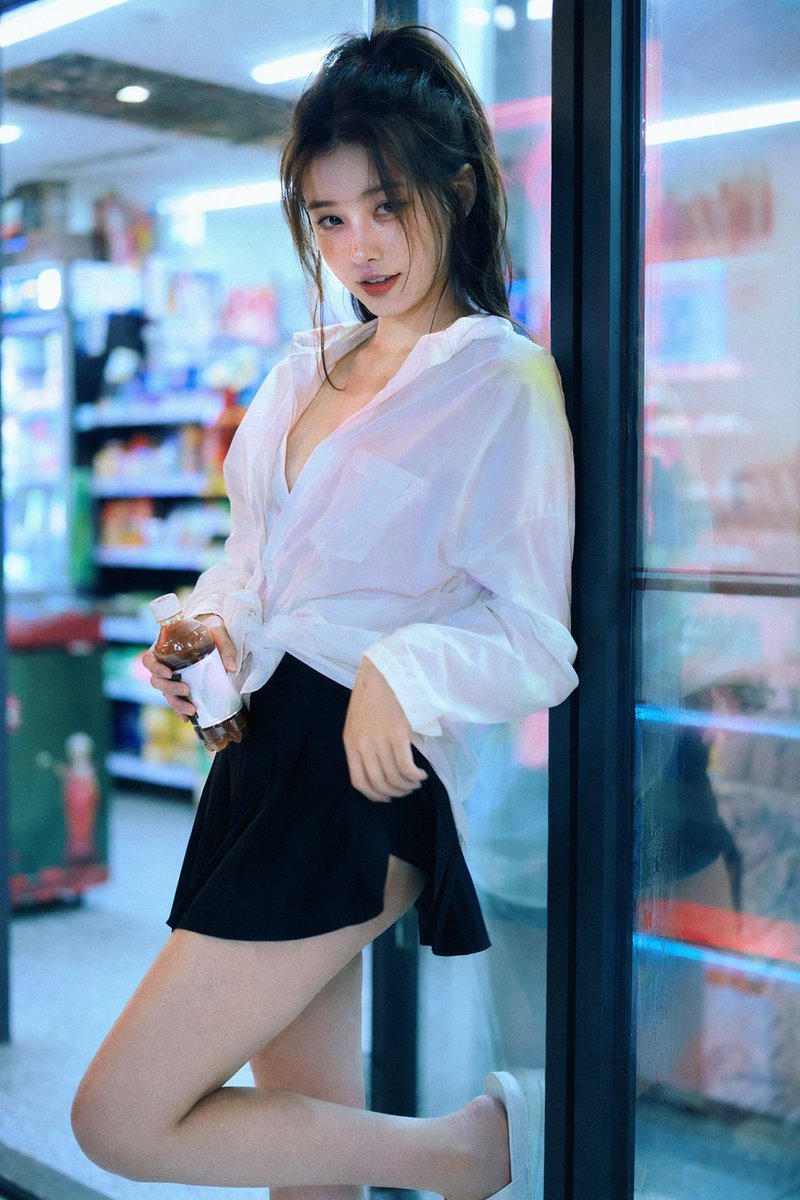
Example Gallery
See what you can create with text to-image
Start with text, upload a photo, add a reference image, or ask for clearer poster text. Keep the workflow direct and easy to test.
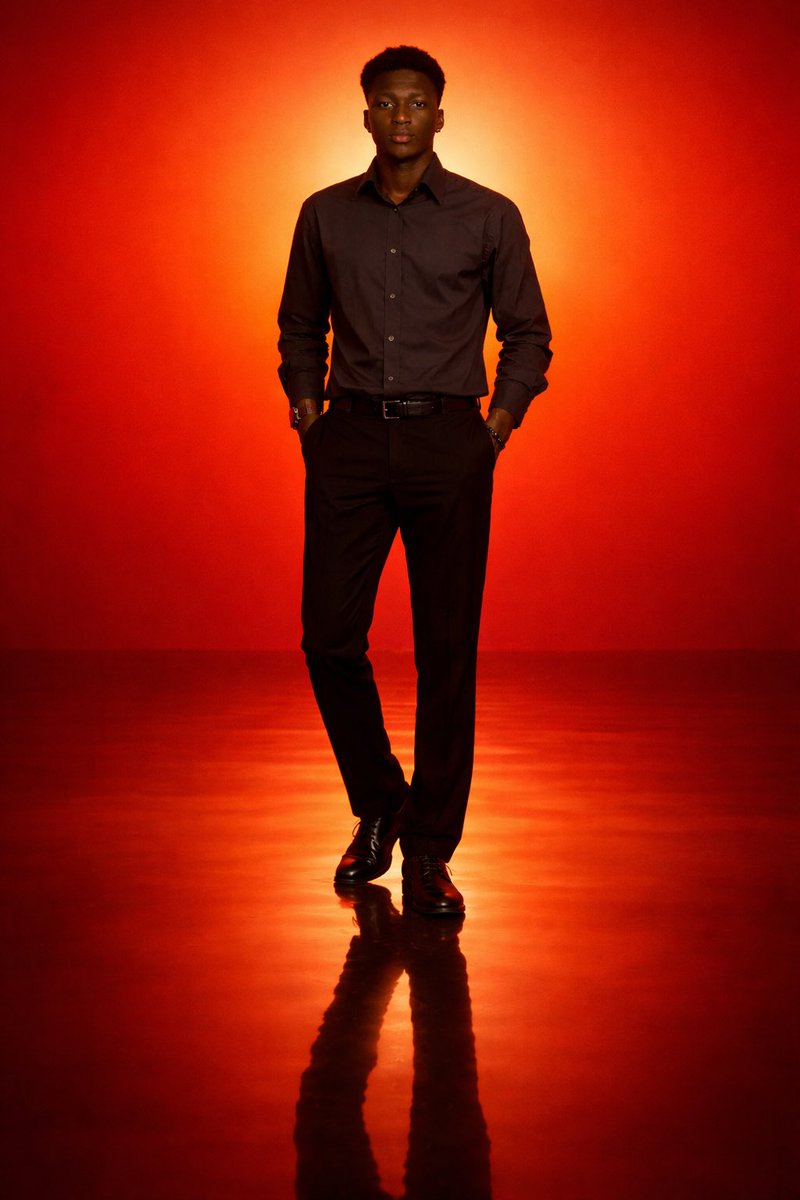
Gallery
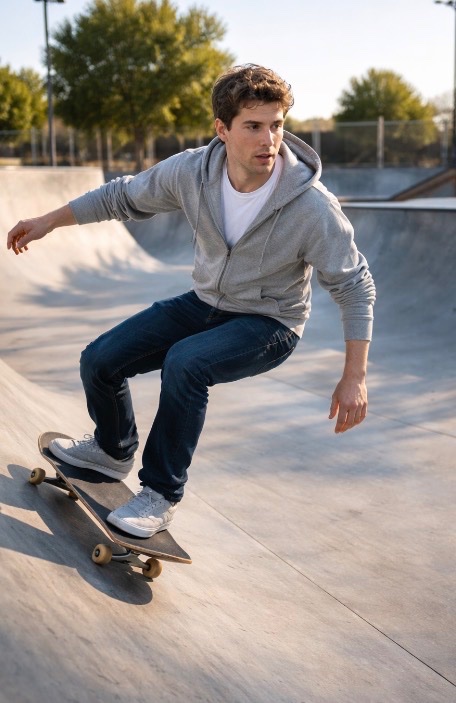
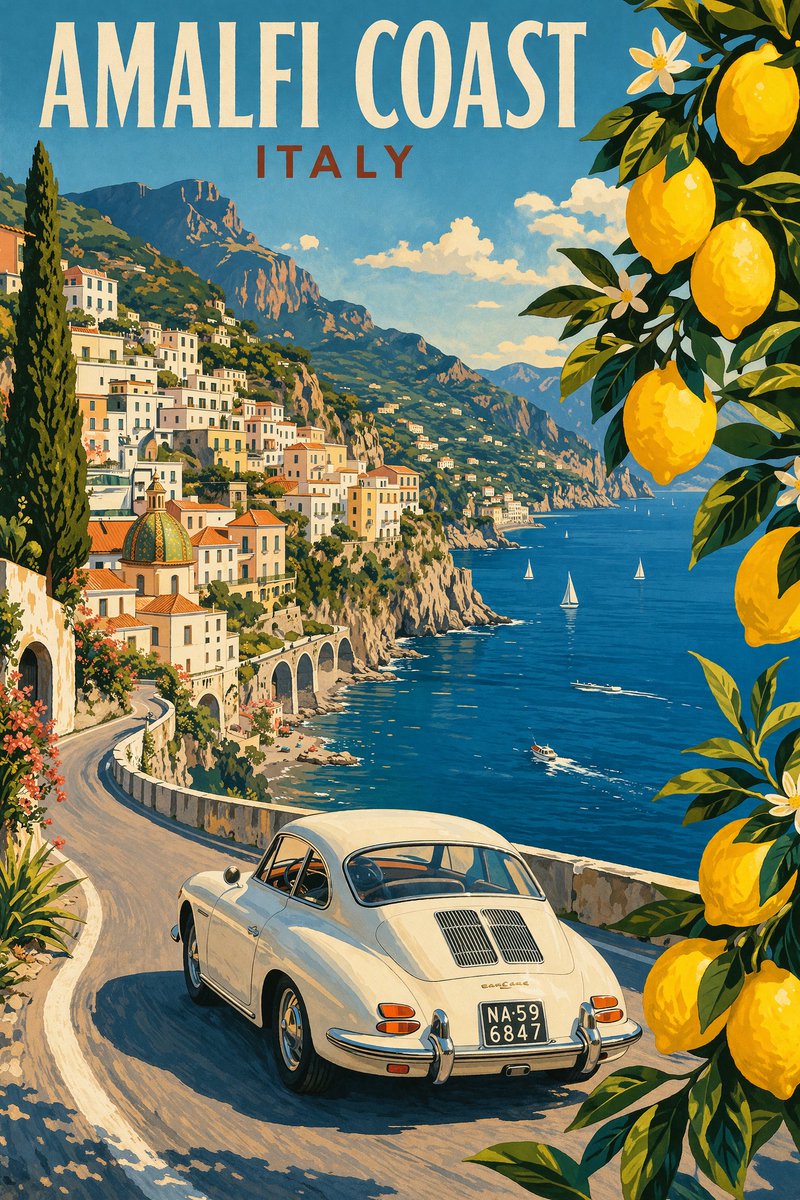
These examples connect the homepage to product photo edits, poster text, character consistency, background changes, and reference-based image workflows.
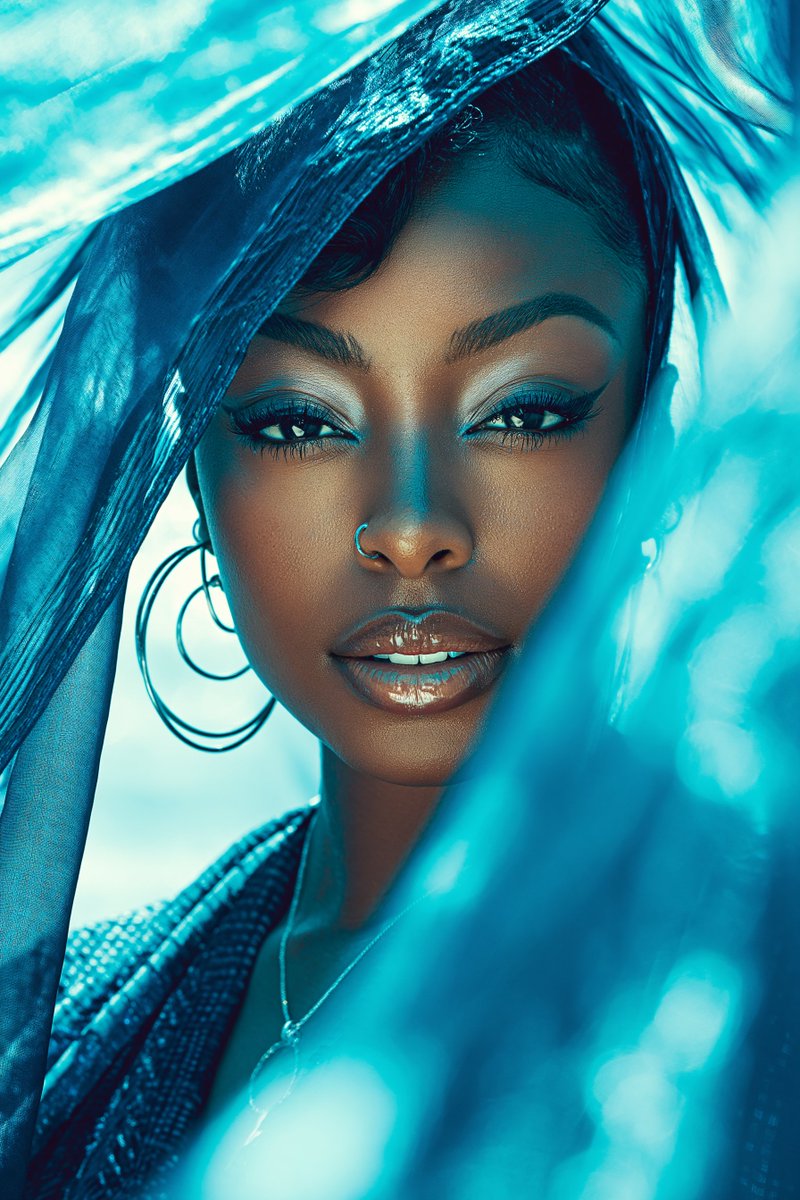
Cleaner lighting, product focus, and a more usable ecommerce scene.
A poster direction built around short copy and stronger hierarchy.
A repeatable subject style for multi-scene character work.
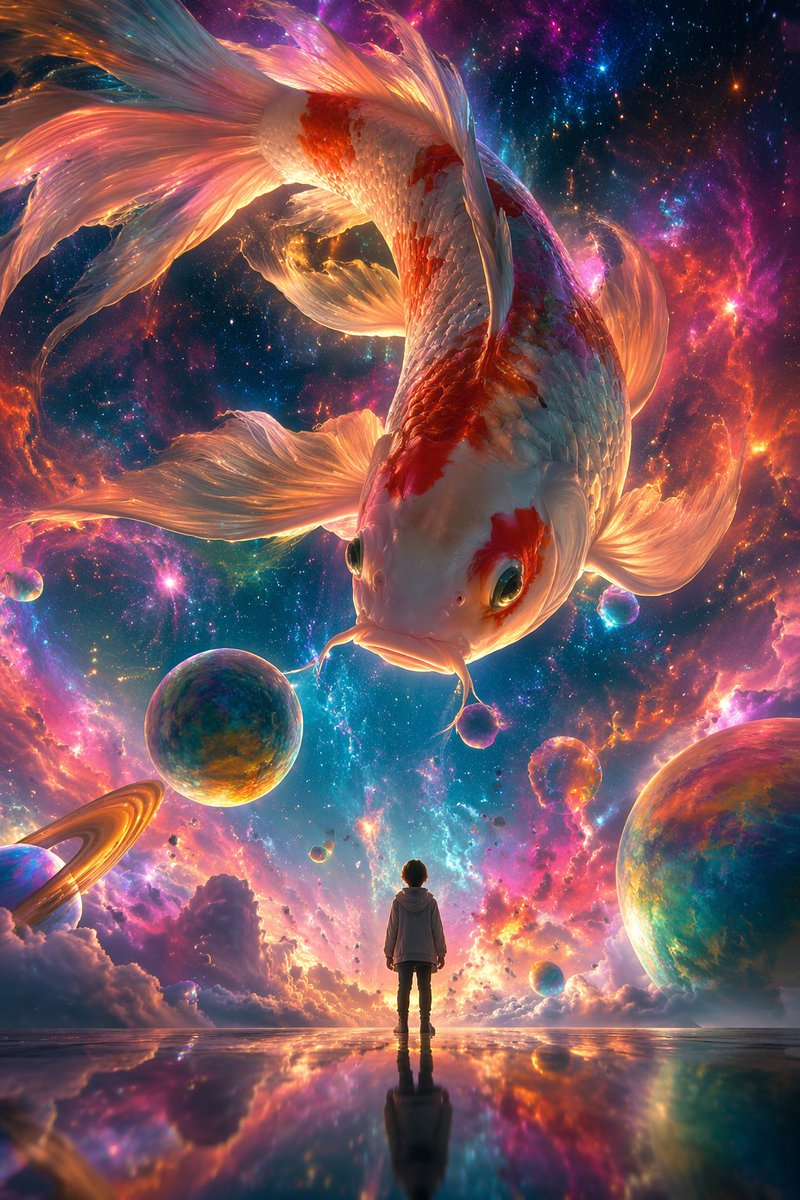
A source subject placed into a cleaner, more useful environment.
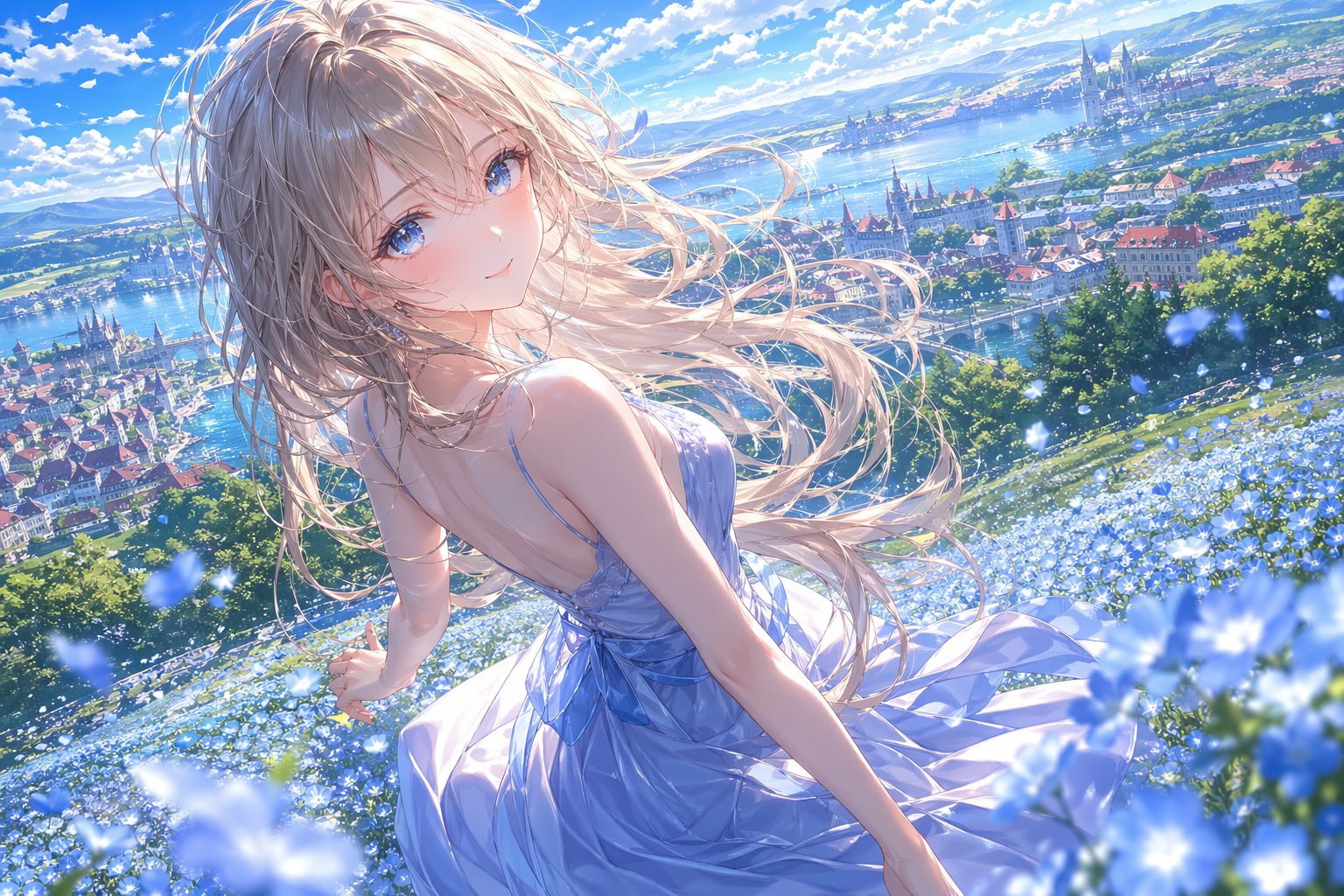
A guided edit that follows an uploaded reference and prompt.
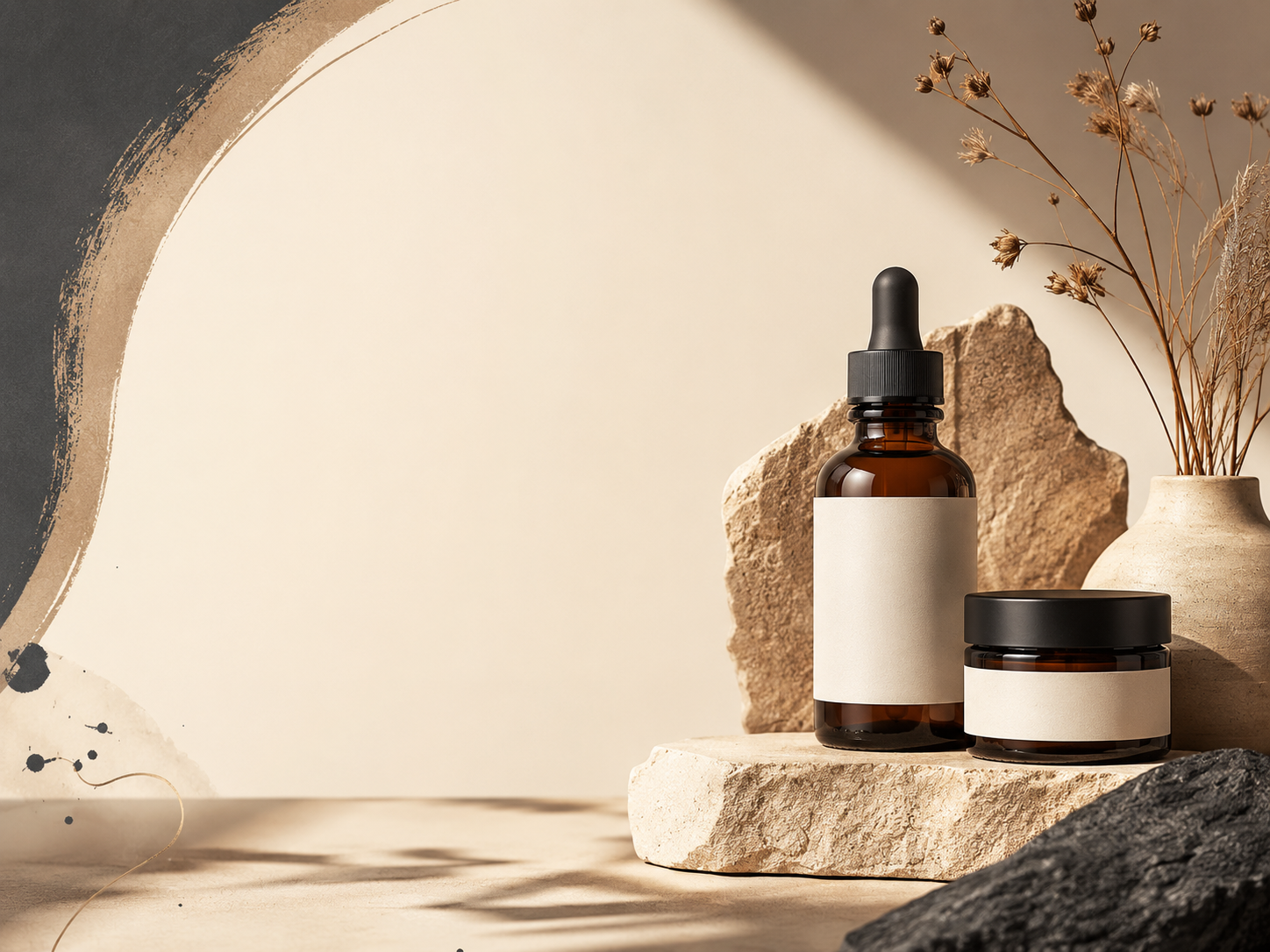
A campaign-ready concept for ads, launches, and social posts.
Use cases
Each path starts with a common image problem, then points to a deeper content page for prompts, workflow details, or examples.
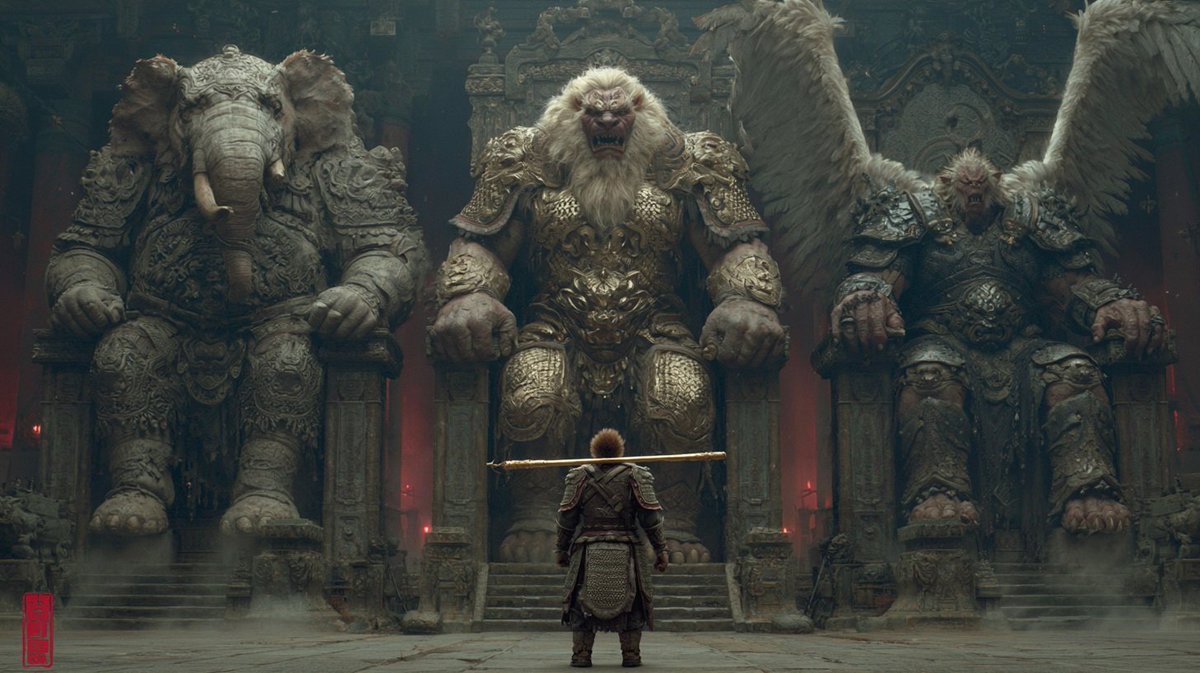
Turn a plain product shot into a cleaner listing or campaign visual.
Explore ecommerce workflow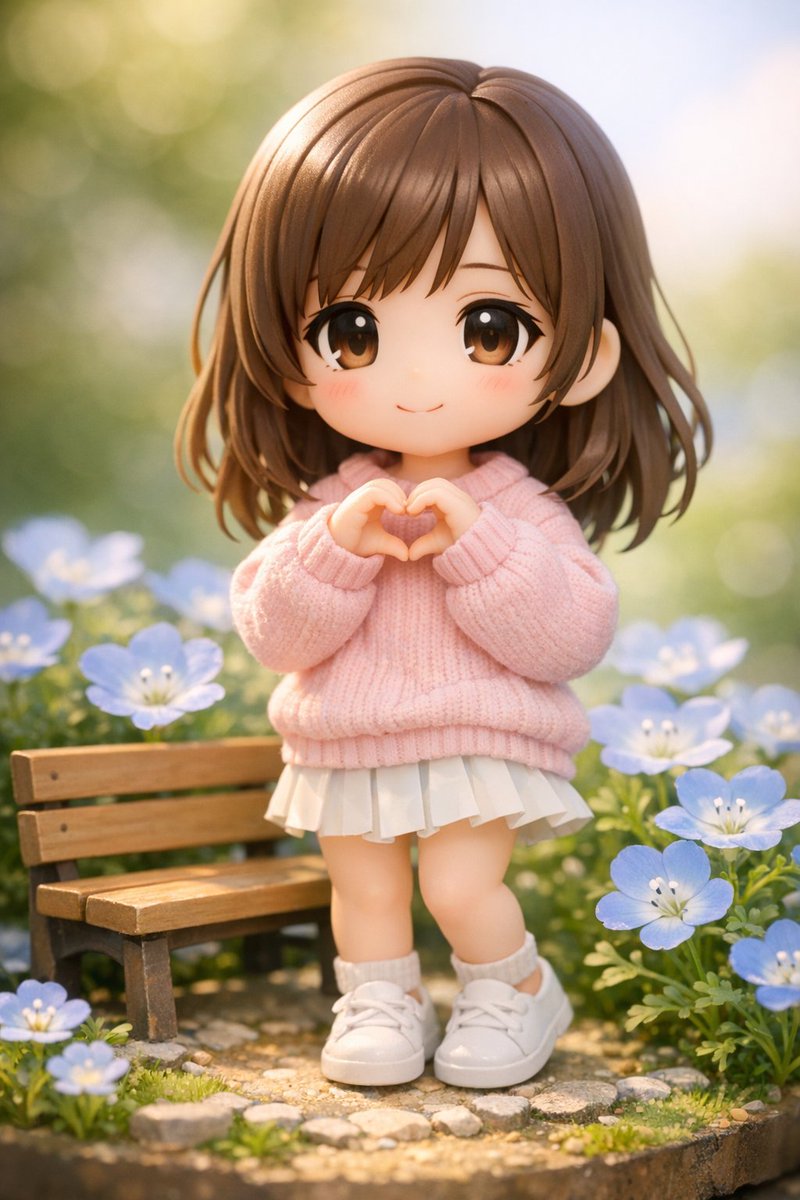
Plan short copy, high contrast, and a clear focal point for posters.
Read poster guide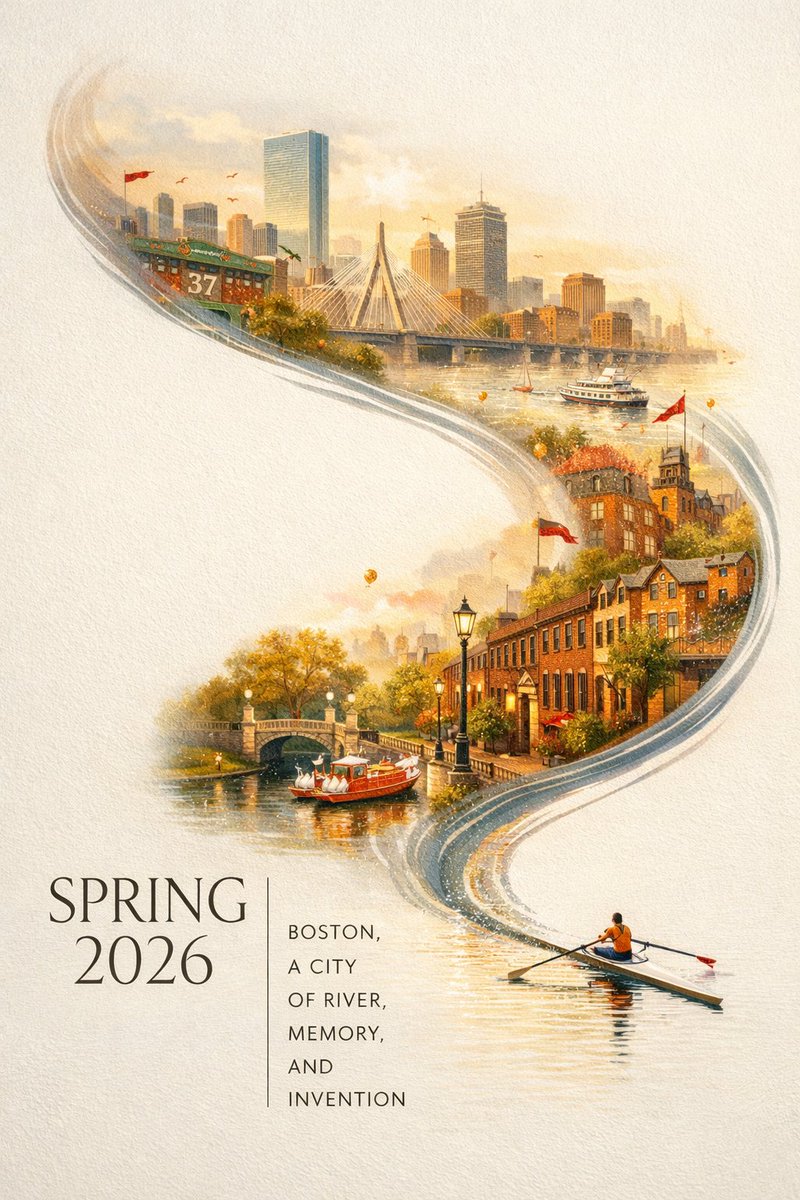
Use reference details to preserve character identity across outputs.
Learn consistency promptsProcess
A direct path from idea to usable image
Start with a written idea, an uploaded photo, or both. Pick whether you want generation, editing, posters, or reference-based output.
Describe what should change and what should stay the same, such as product shape, face, style, layout, or text area.
One GPT Image 2 generation uses 5 credits, so your 30 daily check-in credits give you at least 6 free tests.
Keep the result, download it, or refine the prompt for clearer text, better background, or stronger subject consistency.
Content hub
These pages give non-brand searches a reason to land beyond the homepage and help homepage authority flow into deeper resources.
Copy prompts for products, posters, readable text, character continuity, and reference edits.
See where image generation, photo editing, background changes, object cleanup, and text rendering fit.
Learn prompt writing, poster text control, and multi-image character consistency.
Landing pages for ecommerce, marketing, posters, and reference-based editing.
Compare GPT Image 2 AI with basic generators and DALL-E style workflows by task.
Choose access based on how often you generate and edit images.
Practical answers for editing uploaded photos, writing prompts, readable poster text, and keeping characters consistent.
Yes. Daily check-in gives 30 credits, and one GPT Image 2 generation uses 5 credits. That gives you at least 6 free generations after each daily check-in.
Sign in and use daily check-in to receive 30 credits. You can use those credits for GPT Image 2 image generation, uploaded photo edits, poster drafts, and reference-based tests.
One GPT Image 2 generation uses 5 credits. With 30 daily check-in credits, you can test at least 6 generations before paying.
Upload the image you want to change, describe the exact edit in plain language, and include what should stay unchanged. Short, specific instructions usually work better than broad requests.
Start with the subject, intended use, composition, background, lighting, text requirements, and reference rules. The prompt library includes examples you can adapt for product shots, posters, and reference edits.
Use short copy, specify a clear text area, ask for high contrast, and avoid long paragraphs inside the image. For final production, review the output and revise any wording that is unclear.
Use a reference image as the base, then describe the target change, boundaries, and desired output. For example, ask to replace the background while preserving the product shape, logo, and shadow direction.
Reuse the same reference image, describe stable traits like face shape, hairstyle, outfit, palette, and art style, then change only the pose, setting, or action you need.
It is best for practical image generation and editing tasks such as product visuals, poster drafts, uploaded photo edits, reference-based variations, readable visual layouts, and consistent character scenes.
GPT Image 2 AI 访问计划
先用 GPT Image 2 AI 测试提示词和编辑上传照片;当你需要更多产品视觉、海报草稿和参考图修改时,再灵活扩展。
适合创作者和营销人员的核心功能
面向专业视觉生产的高级功能
适合团队、品牌和生产系统的高级功能
Start on the generator, then move into prompt examples, feature explanations, how-to guides, use-case landing pages, and comparison pages when you need a more specific workflow.
Start creating
Daily check-in gives 30 credits. One GPT Image 2 generation uses 5 credits, so you can try at least 6 image generations before choosing a paid plan.